
A practical guide to running a production web application with a managed database without breaking the bank
There is a persistent myth in the developer community that running a production application requires either expensive cloud infrastructure or countless hours managing servers yourself. The reality in 2026 is quite different. You can deploy a legitimate production stack with a managed PostgreSQL database, automated backups, SSL certificates, and proper infrastructure for $44 per month.
This is not a toy setup or a development environment masquerading as production. This is a real stack capable of handling thousands of users, with the reliability features that serious applications require.
Let us break down exactly what you get, what it costs, and who this setup makes sense for.
Before diving into the budget setup, it helps to understand what production infrastructure typically costs when you roll your own on AWS or similar providers.
If you were to set up a basic production environment on AWS with Kubernetes (EKS), here is what you would typically pay:
| Component | Monthly Cost |
|---|---|
| EKS Cluster | $73 |
| EC2 Instances (3x t3.small for HA) | ~$45 |
| NAT Gateway | ~$45 |
| Application Load Balancer | ~$25 |
| Data Transfer | ~$20+ |
| RDS Database (db.t3.micro) | ~$15 |
| EBS Storage | ~$10 |
| Total | ~$233+ |
And this is a minimal setup. Add staging environments, larger database instances, or increased traffic, and costs climb quickly. You also inherit the operational burden of managing all these components.
Beyond the infrastructure bill, traditional setups carry hidden costs:
For a solo developer or small team, these costs often exceed the actual infrastructure bill.

Here is what a modern Platform as a Service approach offers for $44 per month:
| Component | Specification | Monthly Cost |
|---|---|---|
| Compute (Small Machine) | 1 vCPU, 2GB RAM | $25 |
| PostgreSQL Database | 1 vCPU, 1GB RAM, 20GB Storage | $19 |
| Total | $44 |
Compute Resources:
Database Resources:
Platform Features:

This configuration is not for everyone, and being honest about limitations matters more than overselling capabilities.
Startups validating product market fit: When you are still figuring out if anyone wants what you are building, spending $233+ per month on infrastructure is premature optimization. The $44 setup lets you launch, gather feedback, and iterate quickly.
Indie hackers and solo developers: If you are building a SaaS product on the side, every dollar matters. This setup provides production grade infrastructure at a price point that will not strain a bootstrapped budget.
MVPs and proof of concepts: Need to demonstrate a working product to investors or early customers? This stack is more than capable of handling demo traffic and early adopters.
Internal tools and admin panels: Not every application needs enterprise scale infrastructure. Internal tools serving dozens of users fit perfectly here.
Agencies deploying client projects: When billing clients for hosting, predictable costs make everyone's life easier. No more surprise AWS bills eating into project margins.
Be realistic about when this setup might not be enough:
The good news is that scaling up is straightforward. Moving to a Medium machine ($75) and a Small database ($39) gives you 2 vCPU, 4GB RAM for compute, and 2 vCPU, 2GB RAM with 50GB storage for the database, all for $114 per month.
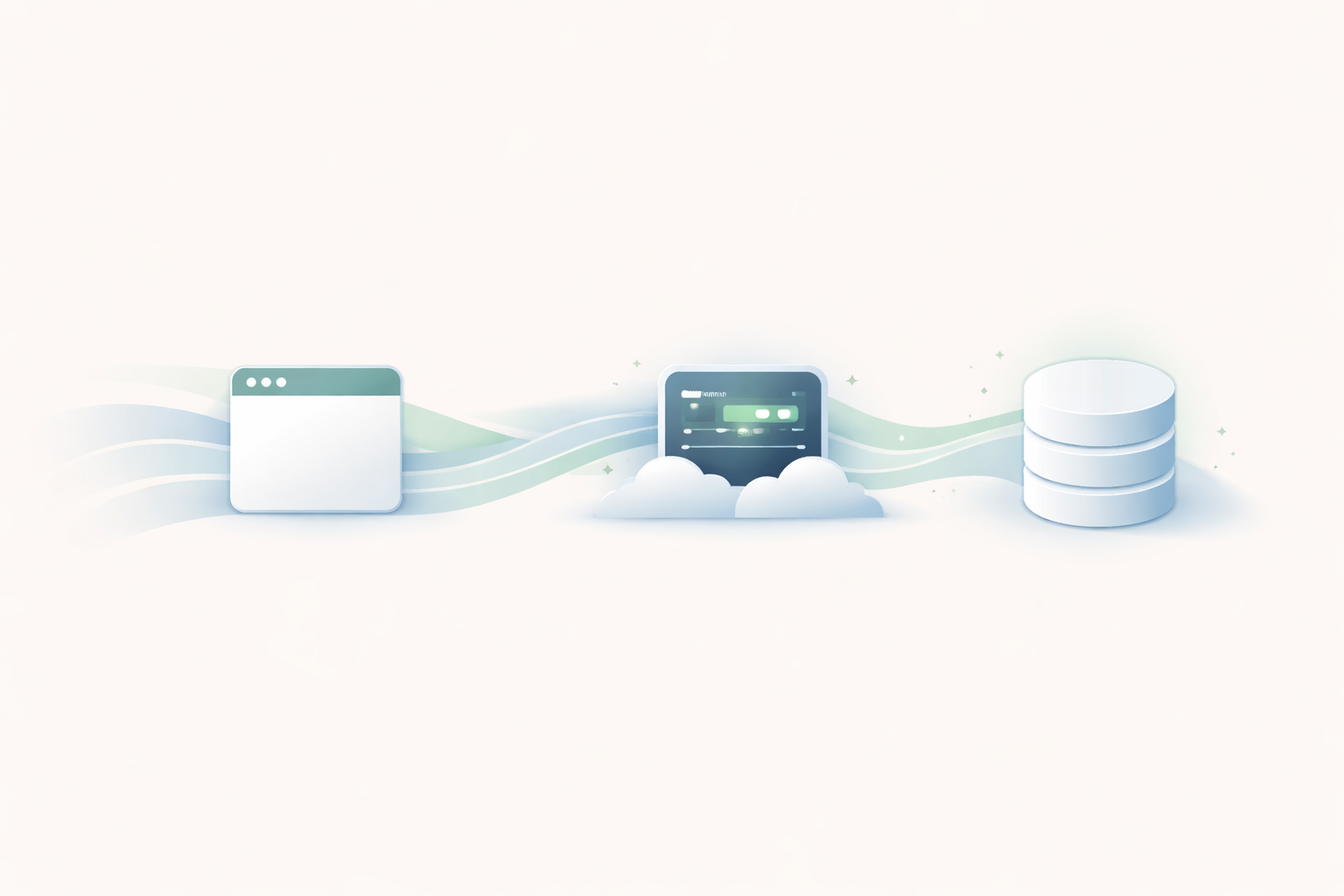
Here is what the actual deployment configuration looks like for a Node.js application with PostgreSQL:
resources:
  database:
    type: postgres
    provider: aws
    options:
      class: dev
      version: 17.5

services:
  web:
    build: .
    port: 3000
    scale:
      count: 1
      cpu: 256
      memory: 512
    health: /health
    resources:
      - database
This configuration file tells the platform everything it needs to know:
Deployment is a single command:
convox cloud deploy -a myapp -i my-machineThe platform handles building your Docker image, pushing it to a registry, provisioning the database, injecting connection credentials as environment variables, configuring SSL, and routing traffic to your application.
When you link a database to your service, connection details are automatically injected as environment variables:
DATABASE_URL=postgres://username:password@host.name:5432/database
DATABASE_USER=username
DATABASE_PASS=password
DATABASE_HOST=host.name
DATABASE_PORT=5432
DATABASE_NAME=database
Your application code simply reads from environment variables. No hardcoded credentials, no secrets management complexity, no manual configuration.
// Node.js example
const { Pool } = require('pg');
const pool = new Pool({
  connectionString: process.env.DATABASE_URL
});
# Python example
import os
import psycopg2
conn = psycopg2.connect(os.environ['DATABASE_URL'])# Ruby example
require 'pg'
conn = PG.connect(ENV['DATABASE_URL'])One of the most overlooked aspects of budget hosting solutions is backup strategy. Many cheap options leave backups as an exercise for the reader, which inevitably leads to disaster.
The $19/month database tier includes 7 day automated backups at no additional cost. This means:
For many applications, this is sufficient. If you need longer retention or more granular recovery options, you can export data manually using the CLI:
convox cloud resources export database -a myapp -i my-machine --file backup.sqlLet us set realistic expectations about what 1 vCPU and 2GB RAM can handle.
A typical Rails, Django, or Express application running on this setup can comfortably handle:
Lightweight API services often perform even better:
The dev class database is tuned for development and light production workloads:
If you are building something that needs more horsepower, the pricing scales linearly. Double the compute and database resources roughly doubles the cost.
How does $44/month compare to other options in the market?
Heroku's Basic dyno ($7) plus Essential Postgres ($5) comes to $12, but the Basic dyno sleeps after 30 minutes of inactivity and has significant limitations. A production comparable setup with Standard dynos and Standard Postgres runs $50 to $100+ per month.
Render's starter tier is competitive at similar price points. The main differentiation is in database management features and deployment flexibility.
Railway uses consumption based pricing, which can be unpredictable. A comparable workload typically runs $20 to $60 per month depending on traffic patterns.
A $24 droplet plus managed database ($15) gets you to $39, but you are responsible for Docker management, SSL configuration, deployments, and everything else. The time investment often exceeds the dollar savings.
As covered earlier, a minimal production Kubernetes setup on AWS runs $233+ per month before you account for the operational overhead.
If this setup sounds right for your project, here is the path to deployment:
curl -L https://github.com/convox/convox/releases/latest/download/convox-linux -o /tmp/convox
sudo mv /tmp/convox /usr/local/bin/convox
sudo chmod 755 /usr/local/bin/convoxSign up at console.convox.com, navigate to Cloud Machines, and create a Small machine in your preferred region.
Ensure you have a Dockerfile and create a convox.yml:
resources:
  database:
    type: postgres
    provider: aws
    options:
      class: dev
      version: 17.5

services:
  web:
    build: .
    port: 3000
    resources:
- databaseconvox login console.convox.com
convox cloud apps create myapp -i my-machine
convox cloud deploy -a myapp -i my-machineYour application is now running with a managed database, SSL, and all the production essentials.
The beauty of starting small is that scaling up does not require re architecting your application or migrating to a different platform.
When traffic grows, you have clear upgrade paths:
| Configuration | Monthly Cost | Capacity |
|---|---|---|
| Small + Dev DB | $44 | 10,000 to 50,000 req/day |
| Medium + Small DB | $114 | 50,000 to 200,000 req/day |
| Large + Medium DB | $249 | 200,000 to 500,000 req/day |
| Large + Large DB (with HA) | $548 | 500,000+ req/day |
The same convox.yml, the same deployment process, just different resource allocations.
Running a production application does not require a large infrastructure budget or a dedicated DevOps team. For $44 per month, you get a legitimate production stack with managed PostgreSQL, automated backups, SSL, and all the operational features that used to require significant investment.
This is not about cutting corners. It is about right sizing your infrastructure to match your actual needs. Most applications do not need enterprise scale infrastructure from day one. They need something reliable, affordable, and capable of growing with them.
Start small, validate your product, and scale when the numbers justify it. Your infrastructure should enable your success, not drain your runway.
New to Convox Cloud? Get Started Free and deploy your first application with a managed database in minutes. The X-Small machine tier includes 250 free hours per month, giving you plenty of time to explore the platform and see how everything fits together.
Want to see code before you commit? Browse our example applications for Rails, Node.js, Django, PHP, and other frameworks to see how Convox fits your stack. Each example includes a working Dockerfile and convox.yml ready to deploy.
For a guided walkthrough, the Getting Started Guide covers everything from CLI installation to your first deployment. If you prefer video, our getting started tutorial series walks through the same steps visually.
For complete database configuration options and supported versions, check out the Cloud Databases documentation. If you are migrating from Heroku, Render, or another platform, our Migration Guide covers the conversion process and database import workflows.
Questions? Reach out to cloud-support@convox.com or connect with other developers at community.convox.com.


