
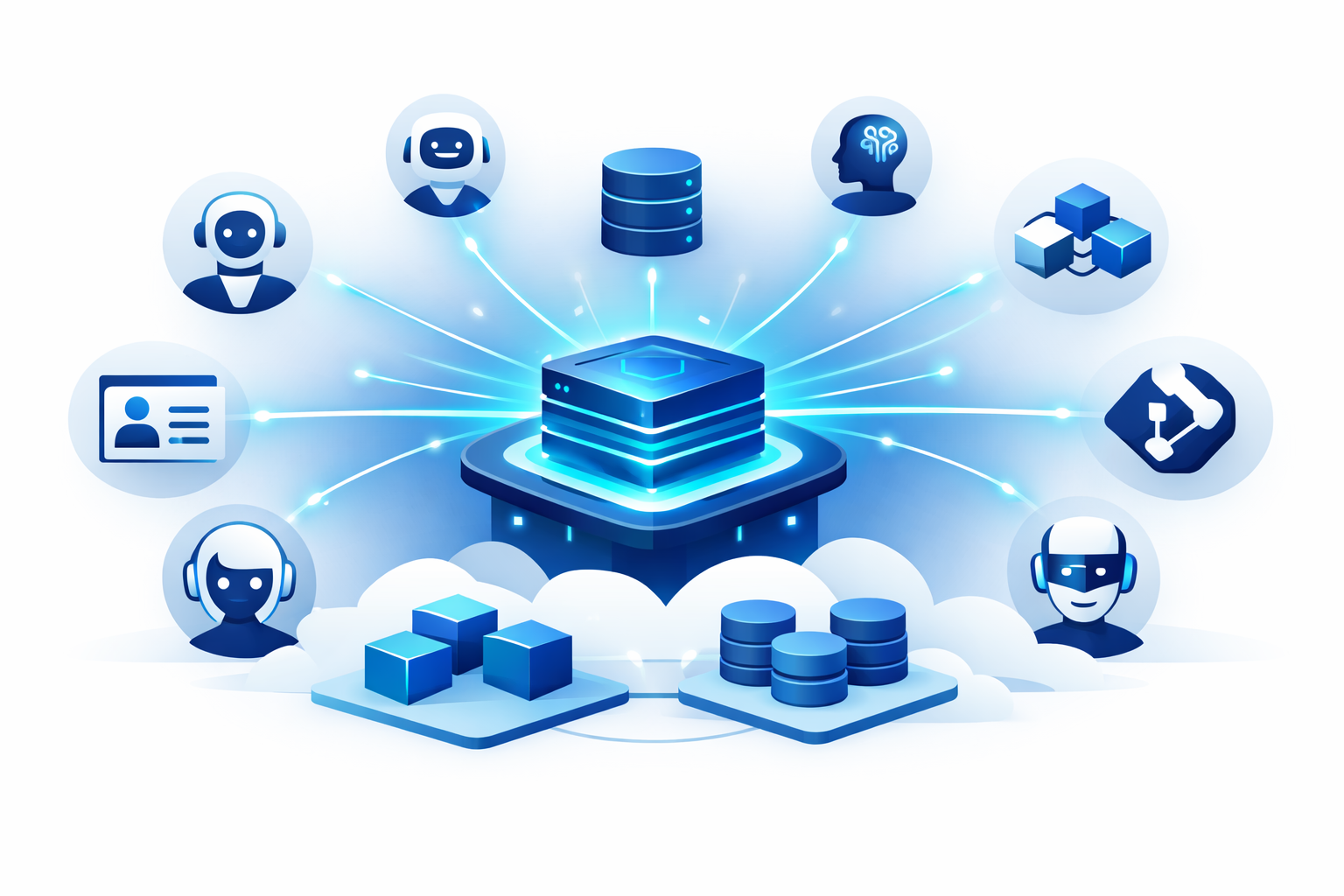
The Model Context Protocol has crossed the threshold from interesting experiment to production dependency. With tens of millions of downloads and native support across Claude, Cursor, and a growing ecosystem of AI agents, MCP servers are quickly becoming the standard way to give AI systems access to real-world tools like databases, CRMs, code repositories, and internal APIs.
If you have been experimenting with MCP locally, you already know the developer experience is excellent. Spin up a server over STDIO, connect it to Claude Desktop, and your AI assistant can query your database or file a Jira ticket. It feels like magic.
But then someone asks: "Can we run this for our whole team?" or "Can our customers connect their AI agents to our tools?" And suddenly you are not writing Python anymore. You are solving a distributed systems problem: HTTPS termination, secrets rotation, autoscaling for bursty agent traffic, zero-downtime deploys, tenant isolation, and passing enterprise security reviews. The gap between a local MCP demo and a production MCP service is significant, and it is almost entirely an infrastructure problem.
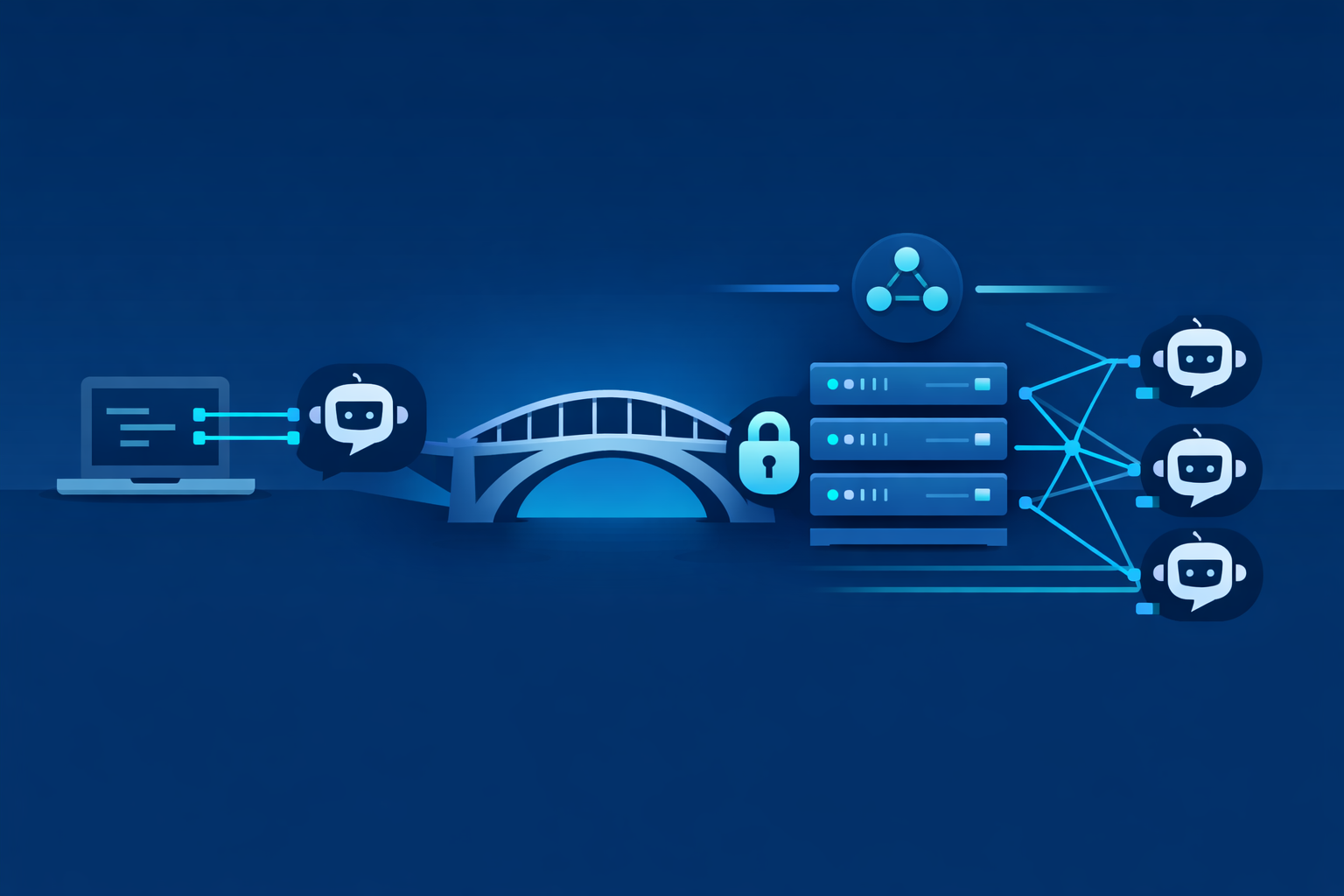
Local MCP development uses STDIO transport. Your MCP server and the AI client run on the same machine, communicating through standard input and output. This is simple and effective for development, but it does not work when clients are remote.
Remote MCP requires Streamable HTTP transport. That means your server must be a proper HTTP service, reachable over the network, secured with TLS, and capable of handling concurrent connections from multiple AI agents. This introduces a set of hard requirements that do not exist in local development:
This is the production wall. Heroku can handle the basic deployment, but it cannot answer enterprise security questionnaires about VPC isolation and IAM roles. Raw Kubernetes can solve every problem on this list, but it requires dedicated DevOps headcount and hundreds of lines of YAML across multiple files. What teams actually need is PaaS-level simplicity with infrastructure-level control.

Convox bridges this gap. It gives you the developer experience of a PaaS (a single config file, a single deploy command) while running everything inside your own AWS, GCP, or Azure account. This architecture is called Bring Your Own Cloud (BYOC), and it is the key to making MCP servers enterprise-ready.
When you install a Convox Rack, it provisions a Kubernetes cluster, a VPC, load balancers, and all the supporting infrastructure directly in your cloud account. Your MCP tools execute inside your perimeter. Data never leaves your network. You retain full control over IAM, encryption, and compliance posture, but you never write a Kubernetes manifest.
For teams that want even less overhead, Convox Cloud Machines offer a fully managed option where you skip the cloud account setup entirely and deploy to Convox-managed infrastructure with predictable per-machine pricing. Both paths use the same convox.yml and the same CLI.
Let us start with a minimal MCP server. This example uses Python with FastMCP, exposing a simple tool over Streamable HTTP. The key details are the HTTP transport configuration and the /health endpoint that Convox will use for readiness checks.
# server.py
from fastmcp import FastMCP
from starlette.applications import Starlette
from starlette.responses import JSONResponse
from starlette.routing import Route, Mount
import uvicorn
import os

mcp = FastMCP("sales-tools")

@mcp.tool()
def lookup_account(company_name: str) -> str:
    """Look up a company in the CRM by name."""
    api_key = os.environ["SALESFORCE_API_KEY"]
    # ... call Salesforce API with api_key ...
    return f"Found account: {company_name} (ARR: $1.2M)"

@mcp.tool()
def create_task(title: str, assignee: str) -> str:
    """Create a follow-up task in the CRM."""
    api_key = os.environ["SALESFORCE_API_KEY"]
    # ... call Salesforce API ...
    return f"Task '{title}' assigned to {assignee}"

async def health(request):
    return JSONResponse({"status": "ok"})

# Mount MCP on /mcp and health check on /health
app = Starlette(
    routes=[
        Route("/health", health),
        Mount("/mcp", app=mcp.get_streamable_http_app()),
    ]
)

if __name__ == "__main__":
    port = int(os.environ.get("PORT", 8000))
    uvicorn.run(app, host="0.0.0.0", port=port)
And a straightforward Dockerfile:
FROM python:3.12-slim

WORKDIR /app
COPY requirements.txt .
RUN pip install --no-cache-dir -r requirements.txt

COPY . .
EXPOSE 8000
CMD ["python", "server.py"]
This server listens on port 8000 over plain HTTP. It does not handle TLS, certificate provisioning, or any load balancing. That is the infrastructure layer's job.
The convox.yml manifest is where you describe your entire application and its infrastructure requirements. For our MCP server, the configuration is minimal but covers every production concern listed above.
environment:
  - PORT=8000
  - SALESFORCE_API_KEY

services:
  mcp-server:
    build: .
    port: 8000
    health: /health
    scale:
      count: 1-5
      cpu: 256
      memory: 512
      targets:
        cpu: 70
    deployment:
      minimum: 50
      maximum: 200
Let us break down what each section does and why it matters for MCP.
Automatic HTTPS via port: By declaring port: 8000, Convox automatically provisions a load balancer, generates a Let's Encrypt TLS certificate, and routes external HTTPS traffic (port 443) to your server's port 8000. This single line replaces the need for an Ingress controller, a cert-manager installation, and Service/Ingress YAML in raw Kubernetes. Your MCP server gets a URL like https://mcp-server.sales-tools.0a1b2c3d.convox.cloud with valid TLS, which is the baseline requirement for Streamable HTTP transport. See the load balancer documentation for more on how this works.
Health checks: The health: /health line tells Convox to probe that endpoint before routing traffic to a new process. This is critical during deploys. If a new MCP server instance fails to start (bad config, missing dependency), Convox will not send agent traffic to it. The old instance stays live until the new one is verified healthy. You can configure more granular settings (grace period, interval, timeout) using the advanced health check syntax.
Autoscaling: The scale block with count: 1-5 and targets: cpu: 70 configures a Kubernetes HorizontalPodAutoscaler behind the scenes. When average CPU across your MCP server instances exceeds 70%, Convox spins up additional processes (up to 5). When traffic drops, it scales back down to 1. This is the right model for AI agent workloads, which tend to be idle for long stretches and then spike hard when an agent kicks off a multi-step reasoning chain with parallel tool calls. The scaling documentation covers the full range of options.
Deployment strategy: The deployment block sets the minimum healthy processes to 50% and maximum total processes to 200% during a rolling update. This means Convox will start a new MCP server instance, verify it passes the health check, and only then terminate an old instance. An AI agent making a tool call during a deploy will be routed to a healthy process throughout the entire rollout. See rolling updates for the full explanation of this "make one, break one" strategy.
MCP servers are only useful because they call external APIs. That means API keys, database credentials, and OAuth tokens. These secrets must never appear in your code, your Docker image, or your convox.yml.
Notice that SALESFORCE_API_KEY is declared in the environment section of convox.yml without a default value. This means it is required and must be set before deployment. Convox manages environment variables as Kubernetes Secrets, injected into the container at runtime. You set them through the CLI:
$ convox login console.convox.com

$ convox apps create sales-agent-tools
Creating sales-agent-tools... OK

$ convox env set SALESFORCE_API_KEY=sk_prod_abc123xyz -a sales-agent-tools
Setting SALESFORCE_API_KEY... OK
Release: RABCDEFGHI

$ convox deploy -a sales-agent-tools
Packaging source... OK
Uploading source... OK
Starting build... OK
...
Build: BABCDEFGHI
Release: RBCDEFGHIJ
Promoting RBCDEFGHIJ... OK

$ convox services -a sales-agent-tools
SERVICE     DOMAIN                                                PORTS
mcp-server  mcp-server.sales-agent-tools.0a1b2c3d.convox.cloud   443:8000
That final URL is your production MCP endpoint. AI agents can connect to https://mcp-server.sales-agent-tools.0a1b2c3d.convox.cloud/mcp over Streamable HTTP with a valid TLS certificate, automatic scaling, and zero-downtime deploys. The full environment variable documentation covers additional features like per-release env management and interpolation.
When you need to rotate a key, convox env set creates a new release and rolls it out with the same zero-downtime guarantee. No SSH, no manually restarting pods, no wondering which instance has the old key.
The technical requirements above cover the basics. But if you are building MCP tools for enterprise customers, or deploying them inside a regulated organization, you need to answer harder questions: Where does tool execution happen? Can one customer's data leak to another? Can the MCP server access only the AWS resources it needs?
Convox's architecture addresses each of these directly.
Every Convox Rack is installed inside your own cloud account. By default, the private rack parameter is set to true, placing all nodes in private subnets behind NAT gateways. This means your MCP server processes are not directly reachable from the internet. Traffic enters through the managed load balancer, which handles TLS termination and routes to the private nodes.
For MCP servers that should only be accessible to internal AI agents (not external customers), you can set internal: true on the service. This removes the public load balancer entirely and makes the MCP server accessible only within the Rack's VPC. Other services in the same Rack can reach it via Convox's service discovery (e.g., http://mcp-server.sales-agent-tools.convox.local:8000). This is the right pattern for enterprise platform teams building internal AI tool layers.
For AI SaaS startups serving multiple enterprise customers, tenant isolation is a hard requirement. Convox maps every App to a dedicated Kubernetes namespace (<rack-name>-<app-name>). This means you can deploy a separate MCP server App for each customer, with isolated environment variables, network policies, and resource quotas.
For the strictest isolation requirements, you can provision a separate Convox Rack (and therefore a separate VPC and Kubernetes cluster) per customer. This is a common pattern for regulated industries where a shared cluster, even with namespace isolation, does not satisfy compliance auditors.
Many MCP tools need to interact with AWS services: reading from S3 buckets, querying DynamoDB tables, or publishing to SNS topics. Hardcoding AWS access keys as environment variables works, but it is not the recommended approach. Convox supports AWS Pod Identity, which allows your MCP server to assume a specific IAM role without any credentials in the container.
First, enable the Pod Identity Agent on your Rack:
$ convox rack params set pod_identity_agent_enable=true -r productionThen configure your convox.yml with the specific IAM policies your MCP tools need:
services:
  mcp-server:
    build: .
    port: 8000
    health: /health
    scale:
      count: 1-5
      targets:
        cpu: 70
    accessControl:
      awsPodIdentity:
        policyArns:
          - "arn:aws:iam::aws:policy/AmazonS3ReadOnlyAccess"
          - "arn:aws:iam::123456789012:policy/InternalDataAccess"
Now your MCP server can read from S3 and access internal data sources using its assigned IAM role. No access keys in environment variables, no risk of credential leakage. This is the level of access control that passes enterprise security reviews.

To make the operational savings concrete, here is what deploying this same MCP server looks like in raw Kubernetes versus Convox. This is not a hypothetical; these are the actual resources you would need to create and maintain.
| Concern | Raw Kubernetes | Convox |
|---|---|---|
| HTTPS Routing | Install NGINX Ingress Controller, configure Ingress resource, install cert-manager, create ClusterIssuer and Certificate resources |
port: 8000 in convox.yml |
| Secrets | Base64-encode values, create Secret manifest, reference via envFrom in Deployment |
convox env set KEY=val |
| Autoscaling | Install Metrics Server, create HorizontalPodAutoscaler manifest with CPU target |
scale: count: 1-5, targets: cpu: 70 |
| Health Checks | Configure readinessProbe and livenessProbe in Deployment spec |
health: /health |
| Rolling Updates | Configure strategy: RollingUpdate with maxSurge and maxUnavailable in Deployment |
deployment: minimum: 50, maximum: 200 |
| Service Exposure | Create Service (ClusterIP or LoadBalancer) manifest |
Automatic |
| Namespace Isolation | Create Namespace, configure RBAC, apply NetworkPolicy |
Automatic (one namespace per app) |
| Total Configuration | ~150-200 lines across 5-7 YAML files | ~15 lines in 1 file |
Every line of Kubernetes YAML you write is a line you have to understand, debug, and maintain. For a team whose core competency is building AI tools, not operating Kubernetes clusters, this overhead directly slows down product development. Convox lets you stay focused on the MCP tools your agents need while the platform handles the infrastructure plumbing.
Once your MCP server is running, day-two operations matter just as much as the initial deploy. Convox captures all stdout and stderr from your MCP server processes and makes them available through the CLI:
$ convox logs -a sales-agent-tools --since 30m
2026-03-05T10:30:00Z service/mcp-server/abc123 Tool call: lookup_account("Acme Corp")
2026-03-05T10:30:01Z service/mcp-server/abc123 Salesforce API response: 200 OK
2026-03-05T10:30:15Z service/mcp-server/def456 Tool call: create_task("Follow up", "jsmith")
If a deploy introduces a regression, for example a broken tool that returns errors, Convox's rollback feature lets you revert to the previous working release in seconds:
$ convox releases -a sales-agent-tools
ID           STATUS  BUILD        CREATED
RCDEFGHIJK   active  BCDEFGHIJK   5 minutes ago
RBCDEFGHIJ           BABCDEFGHI   2 hours ago

$ convox releases rollback RBCDEFGHIJ -a sales-agent-tools
Rolling back to RBCDEFGHIJ... OK
For continuous deployment, Convox integrates with GitHub and GitLab through its Workflows feature. You can configure a deployment workflow that automatically builds, tests, and deploys your MCP server whenever code is merged to your main branch. This is the right pattern for teams iterating quickly on new tools: merge a PR that adds a new MCP tool, and it is live in production minutes later with zero manual steps.
Convox offers two paths depending on your team's needs:
Convox Rack (BYOC) is the right choice for enterprise teams and regulated industries. The infrastructure runs in your AWS, GCP, or Azure account. You get full VPC control, AWS Pod Identity integration, and the ability to pass compliance audits (HIPAA, SOC 2, FedRAMP). This is the recommended path if your MCP tools interact with sensitive customer data or internal systems.
Convox Cloud Machines is the right choice for startups that want to move fast without managing cloud accounts. Machines start at $12/month for a development environment and scale up to $150/month for production workloads. You use the same convox.yml and the same CLI, just with convox cloud commands. If your MCP tools call external SaaS APIs (not internal databases), this is the fastest path to production.
Both options support everything covered in this guide: automatic HTTPS, secrets management, autoscaling, health checks, and rolling deploys. The only difference is who manages the underlying infrastructure.
MCP servers are becoming tier-1 production infrastructure. They need the same operational rigor as your main API: health checks, logging, autoscaling, zero-downtime deploys, and proper secrets management. The difference is that Convox lets you achieve all of this with 15 lines of configuration instead of 150.
If you are ready to take your MCP servers from local demos to production services, sign up for a free Convox account and follow our Getting Started Guide to install your first Rack or create your first Cloud Machine. The Node.js example app is a good starting point for understanding the deploy workflow before adapting it for your MCP server.
For enterprise teams with compliance requirements around AI tool deployment, reach out to our team to discuss VPC isolation, Pod Identity configuration, and multi-tenant architecture patterns. You can also join the discussion at community.convox.com.
Your AI agents deserve infrastructure that does not break mid-thought. Your engineering team deserves infrastructure that does not require a Kubernetes certification to operate. Convox delivers both.


