
When we launched Cloud Machines, we focused on eliminating infrastructure overhead for compute. But most production applications need more than just compute—they need persistent, reliable databases. Today, we're extending that same managed experience to your data layer with Cloud Databases.
Cloud Databases are fully managed RDS instances that integrate directly with your Convox Cloud applications. Define your database in convox.yml, deploy, and Convox handles provisioning, backups, and connectivity. No AWS console, no manual RDS setup, no VPC configuration.
We currently support three database engines:
Adding a managed database to your application takes a few lines in your convox.yml:
resources:
  database:
    type: postgres
    provider: aws
    options:
      class: small
      version: 17.5

services:
  web:
    build: .
    port: 3000
    resources:
      - database
The provider: aws attribute tells Convox to provision an RDS instance instead of a containerized database. When you deploy, Convox automatically injects connection credentials as environment variables:
DATABASE_URL=postgres://username:password@host.name:5432/database
DATABASE_USER=username
DATABASE_PASS=password
DATABASE_HOST=host.name
DATABASE_PORT=5432
DATABASE_NAME=database
Your application code doesn't need to change—just read from DATABASE_URL like you would with any managed database service.
Cloud Databases come in four sizes to match your workload:
| Class | vCPU | RAM | Storage | Monthly Price |
|---|---|---|---|---|
| dev | 1.0 | 1 GB | 20 GB | $19 |
| small | 2.0 | 2 GB | 50 GB | $39 |
| medium | 2.0 | 4 GB | 100 GB | $99 |
| large | 2.0 | 8 GB | 250 GB | $199 |
Every tier includes 7-day automated backups, encryption at rest and in transit, and automatic minor version upgrades.
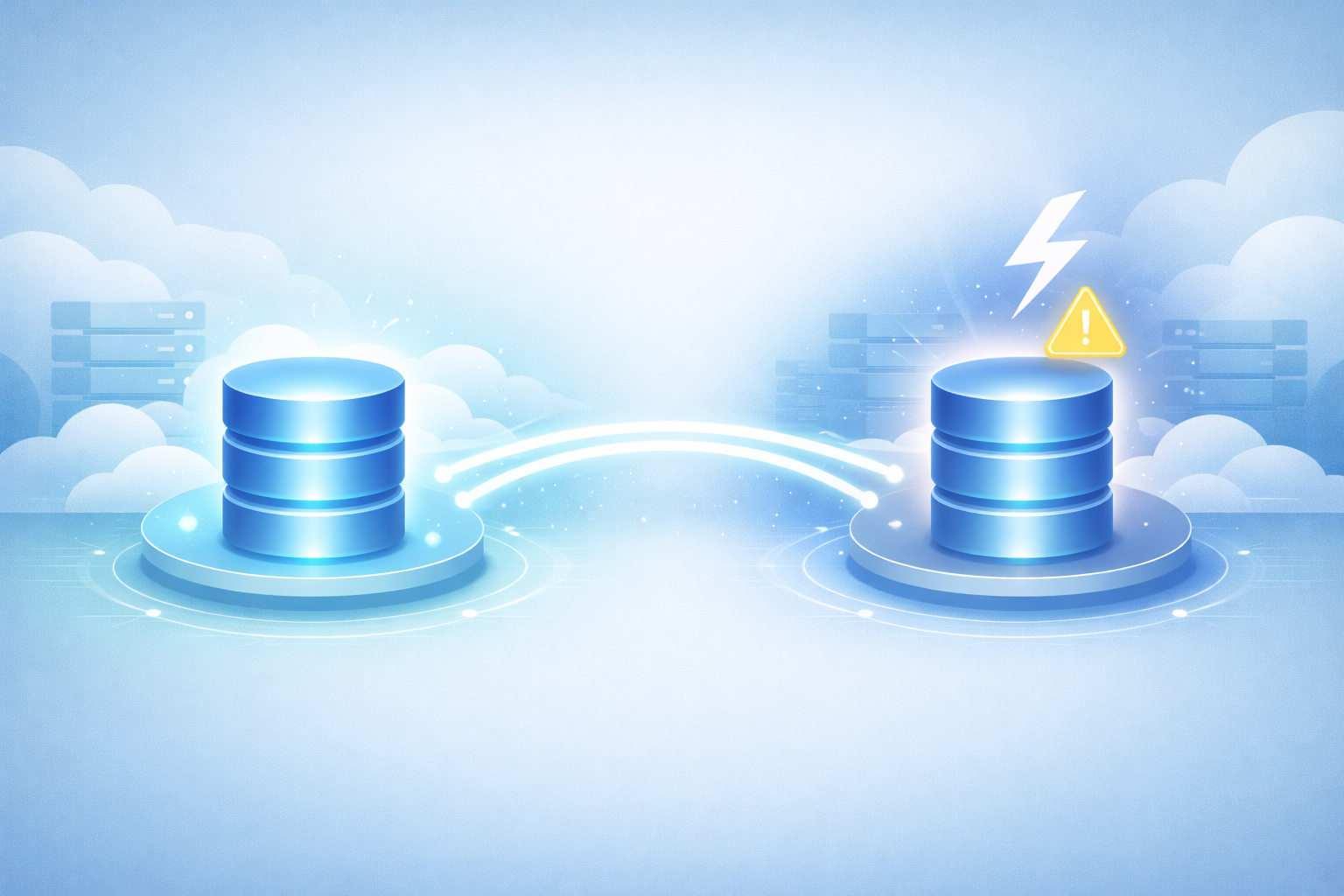
For production workloads where uptime is critical, enable Multi-AZ failover by setting durable: true:
resources:
  database:
    type: postgres
    provider: aws
    options:
      class: medium
      version: 17.5
      durable: true
This creates a standby replica in a separate availability zone with automatic failover if the primary instance fails. Multi-AZ doubles the monthly cost but provides the resilience production applications need.
The Convox CLI provides everything you need to interact with Cloud Databases:
Launch a database console:
$ convox cloud resources console database -a myapp -i production
psql (17.5)
Type "help" for help.
database=#
Proxy for local access:
$ convox cloud resources proxy database -a myapp -i production
Proxying localhost:5432 to host.name:5432
Export your data:
$ convox cloud resources export database -a myapp -i production --file backup.sql
Exporting data from database... OK
Import data:
$ convox cloud resources import database -a myapp -i production --file backup.sql
Importing data to database... OKA common pattern is using the dev class for development environments and scaling up for production with durability enabled:
Development:
resources:
  database:
    type: postgres
    provider: aws
    options:
      class: dev
      version: 17.5

services:
  web:
    build: .
    port: 3000
    resources:
      - database
Monthly cost: $19 for database + $12 for X-Small machine = $31
Production:
resources:
  database:
    type: postgres
    provider: aws
    options:
      class: small
      version: 17.5
      durable: true

services:
  web:
    build: .
    port: 3000
    scale:
      count: 2
      cpu: 500
      memory: 512
    resources:
      - database
Monthly cost: $78 for durable database + $25 for Small machine = $103
Cloud Databases are the right choice when you need:
Containerized databases (without provider: aws) are useful for local development or ephemeral testing environments where persistence isn't required.
Cloud Databases are available now for all Convox Cloud users. To add one to your application:
convox.yml with a resource definition using provider: awsconvox cloud deploy -i your-machineFor complete configuration options and supported versions, check out the Cloud Databases documentation. If you're migrating from another platform, our Migration Guide covers database import workflows.
New to Convox Cloud? Get Started Free — the X-Small machine tier includes 250 free hours per month, plenty of time to deploy your application with a Cloud Database and see how it all fits together.
Questions? Reach out to cloud-support@convox.com or visit community.convox.com.


