
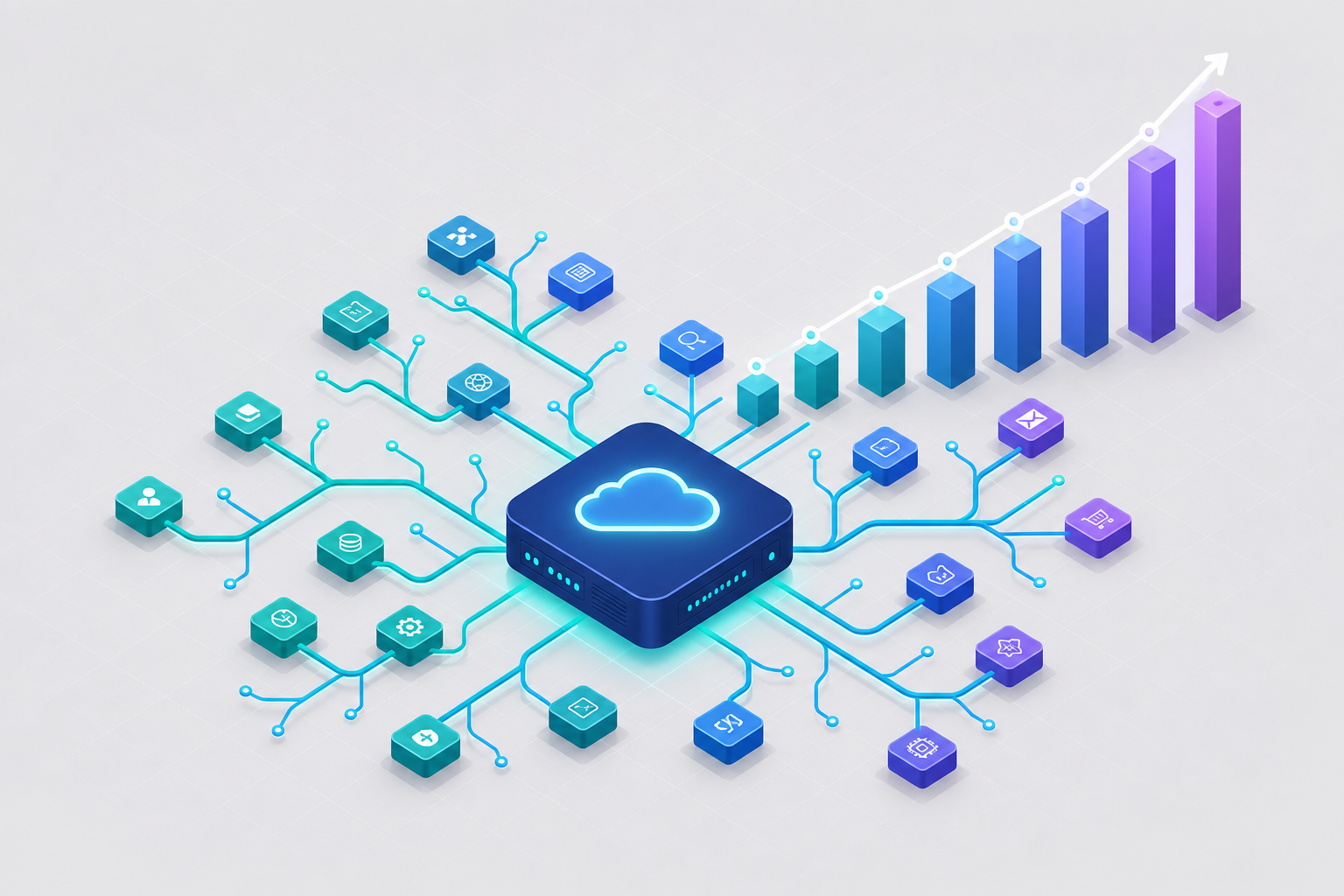
You already migrated once. A year or two ago you moved off Heroku, probably to Render or Railway, and for a while it was great: git push deploys, no infrastructure to babysit, a bill that fit on one screen. But now the platform you moved to is sending you the same kind of invoice that made you leave Heroku in the first place.
This is not because Render or Railway did anything wrong. They solved the problem you had at the time. The issue is structural: per-service pricing means your bill grows in lockstep with your architecture, and architectures at growing startups only grow. This post walks through why that happens, how Convox's two deployment models are priced differently at a structural level, and what the math actually looks like for a realistic app. If you are searching for a Render alternative or a cheaper path than per-service tiers, the answer is less about finding a discount and more about changing the shape of the bill.
Most managed PaaS platforms price by the service instance. Every deployable unit, whether it is your web frontend, your API, a background worker, a cron runner, or a Redis cache, becomes its own metered line item. This is a perfectly reasonable model for a two-service app. The trouble starts when your team does what healthy engineering teams do.
You split the API out of the monolith. That is a new line item. You add a worker for background jobs and another for scheduled reports. Two more line items. You spin up a staging environment that mirrors production. Now every line item exists twice. You turn on preview environments for pull requests, and suddenly each open PR briefly duplicates your whole stack. None of these are extravagant decisions. They are the ordinary evolution of a product between 5 and 25 engineers. But on a per-service pricing model, each one translates directly into a bigger invoice.

This is the same structural dynamic that drove the exodus from Heroku, and it is worth being fair about it: it is not a flaw unique to any single vendor. It is what per-service pricing does at scale. The fix is not to shop for a slightly cheaper per-service tier. The fix is a pricing structure where adding a service or a replica does not automatically add a platform line item.
Convox offers two ways to run your applications, and both break the per-service pricing pattern, just in different ways. Both use the same convox.yml manifest and the same deploy workflow, so you can start with one and move to the other later without re-platforming.
A Convox Rack installs into your own AWS, GCP, Azure, or DigitalOcean account. Convox manages the Kubernetes cluster, the load balancing, the SSL certificates, and the deploy pipeline, but the compute is yours, billed by your cloud provider at raw instance prices. There is no per-service platform markup, because there are no per-service platform units. When you scale a service:
$ convox scale web --count=4
Scaling web...
OK
the cost of that change is the cost of the underlying instances, nothing more. Going from two replicas to four does not bump you into a new pricing tier. It consumes more of the capacity you already pay AWS for, and if more capacity is needed, it is provisioned at EC2 list prices. The same applies to declarative scaling in your manifest, where you set counts, CPU, and memory per service and can attach autoscaling targets:
services:
  web:
    build: .
    port: 3000
    scale:
      count: 2-6
      targets:
        cpu: 70
  worker:
    build: .
    command: bin/worker
    scale:
      count: 2
To be transparent about the trade-off: a Rack has a fixed base cost because real infrastructure exists underneath it. On AWS, a minimum high-availability production setup runs roughly $228 per month in underlying cloud costs, covering the EKS control plane, three small nodes, a load balancer, and NAT gateways. That base is real, but it is also flat. It does not grow when you add your fourth, eighth, or fifteenth service. Once you have a Rack, the marginal cost of the next service or the next replica is just the marginal EC2 cost, which is why the model gets more attractive the more your architecture grows. You also unlock AWS-native levers like reserved instances and savings plans that fully managed platforms abstract away from you.
If a Rack's base cost is more infrastructure than you want to carry today, Convox Cloud Machines flip the model the other way. A Machine is a fixed slice of compute, priced flat per month, and it can host multiple services as long as their combined resource usage fits within the machine's capacity. You are not paying per service. You are paying for a box, and you decide what runs on it.

| Machine Size | vCPU | RAM | Monthly Price |
|---|---|---|---|
| X-Small | 0.5 | 1 GB | $12 |
| Small | 1 | 2 GB | $25 |
| Medium | 2 | 4 GB | $75 |
| Large | 4 | 8 GB | $150 |
This is the key structural difference for a small team: on a Medium machine at $75 per month, your web service, your API, your worker, and a containerized Redis can all coexist as separate services in one convox.yml, and splitting your API into two services tomorrow costs zero additional dollars as long as the combined footprint still fits. For managed databases, Convox Cloud Databases provide fully managed PostgreSQL, MySQL, and MariaDB with 7-day automated backups, starting at $19 per month for a dev instance and $39 for a small production instance. Database pricing is per database, not per service that connects to it.
Consider the app most teams at this stage actually run: a web frontend, an API, a background worker, Postgres, Redis, and a staging environment that mirrors production at smaller scale. Per-service platform prices vary by vendor and tier, so the first column uses illustrative math: a production-grade service instance at roughly $25 per month, a managed Postgres at $20, a managed Redis at $10, and staging services on smaller ~$7 tiers. Check your own invoice for exact figures; the point here is the shape of the math, not any one vendor's price list.
| Component | Per-Service Platform (illustrative) | Convox Cloud Machines |
|---|---|---|
| Web + API + Worker | 3 services x ~$25 = ~$75 | Shared on 1 Medium machine = $75 |
| Redis | ~$10 (separate line item) | $0 (containerized on the same machine) |
| Postgres (production) | ~$20 | $39 (small managed Cloud Database) |
| Staging (full stack) | 4-5 line items x ~$7-10 = ~$35 | $12 X-Small machine + $19 dev database = $31 |
| Adding a 4th service | +~$25/month, every month | $0 if it fits existing machine capacity |
| Monthly total | ~$140 and climbing with each service | $145, flat as services are added |
Read the totals honestly: at this exact snapshot, the two columns are roughly comparable. The difference is the slope. On the per-service model, the next worker, the next microservice, and the next always-on environment each add a recurring charge. On Cloud Machines, they add zero until you genuinely need more capacity, at which point you step up one machine size at a known, published price. Predictable cloud costs for a startup are less about today's number and more about knowing what next quarter's number will be.
And when your total spend grows enough that a Rack's fixed base makes sense, the third option kicks in: install a Rack in your own AWS account and every service beyond the base infrastructure runs at raw EC2 pricing. A t3.small class node costs on the order of $15 per month at on-demand list prices depending on region, and spot capacity and savings plans push that lower. That is the structural ceiling on your marginal cost that no per-service tier can match, because there is no tier.
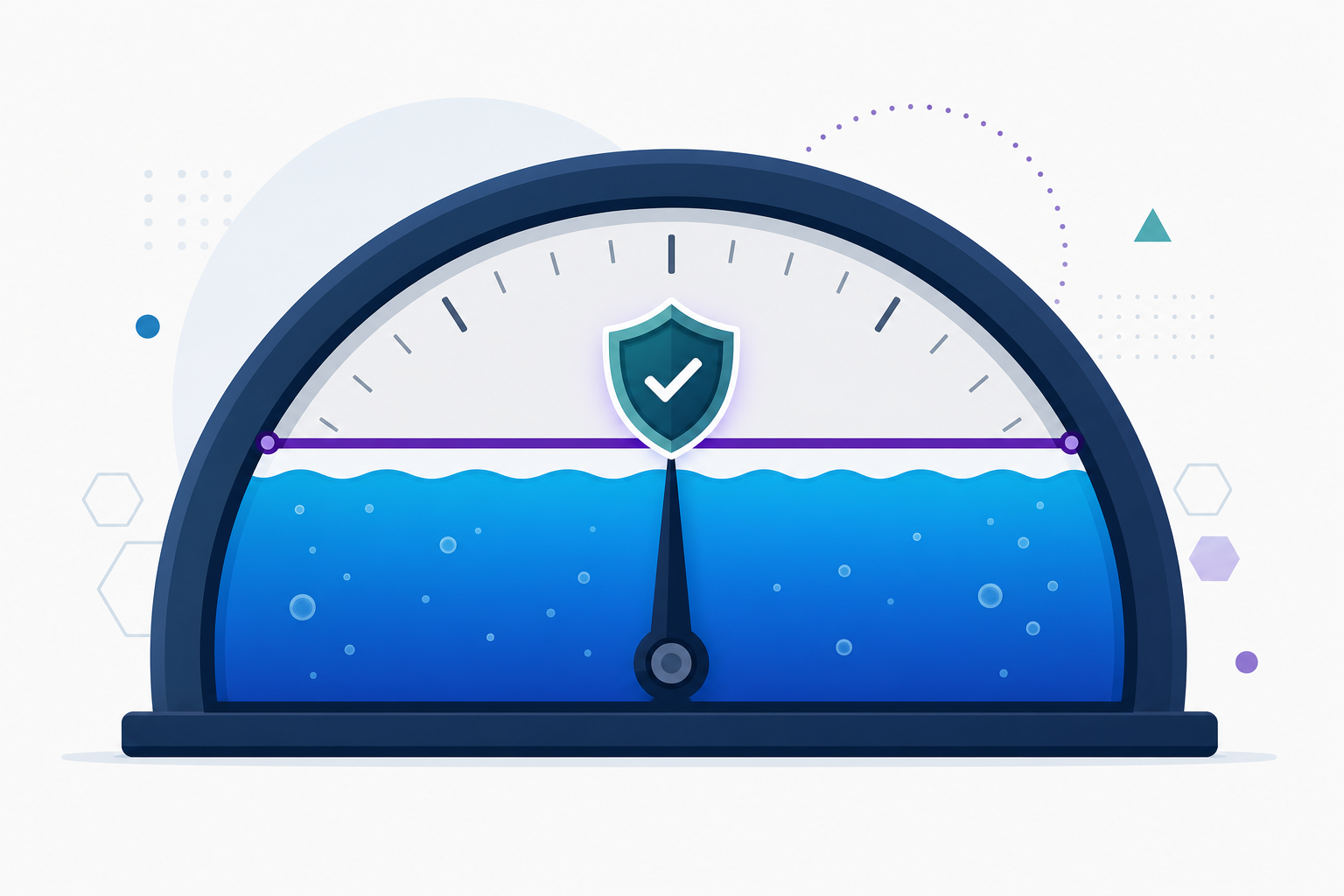
Being allergic to surprise invoices is rational. Convox treats that as a product requirement rather than a support ticket. On Cloud Machines the answer is built into the pricing itself: a machine costs what a machine costs, so the bill cannot drift upward because a worker got busy overnight.
On AWS Racks, Convox ships dedicated cost tooling. Cost tracking samples what every service actually consumes and prices it against your instance types, and the convox cost command gives you a per-service breakdown on demand:
$ convox cost --app myapp
SERVICE        INSTANCE     CAPACITY   ACTIVE-REPLICAS  SPEND-USD
web            t3.medium    on-demand  3                $0.30
api            t3.medium    spot       2                $0.08
worker         t3.small     spot       1                $0.04
TOTAL: $0.42
More importantly, you can enforce a ceiling. Budget caps let you set a monthly limit per app and choose exactly what happens when it is reached: alert only, block new deploys, or automatically scale eligible services to zero:
$ convox budget set myapp --monthly-cap 500 --alert-at 80 --at-cap-action block-new-deploys
Setting budget for myapp... OK
With an 80 percent alert threshold, your team gets notified in Slack or Discord before the cap trips, and the at-cap action guarantees the invoice mathematically cannot exceed what you authorized. This is the difference between hoping the bill stays reasonable and knowing it will.
If your services already build from Dockerfiles, most of the migration is translating one YAML file into another. Convox publishes a step-by-step guide for migrating from Render that maps every render.yaml concept to its convox.yml equivalent: web services become services with a port, workers become services without one, cron jobs become timers, and managed databases become linked resources that inject connection variables automatically. A typical result looks like this:
resources:
  database:
    type: postgres
  cache:
    type: redis
services:
  web:
    build: .
    port: 3000
    resources:
      - database
      - cache
  worker:
    build: .
    command: bin/worker
    resources:
      - database
      - cache
timers:
  nightly-cleanup:
    schedule: "0 3 * * *"
    command: bin/cleanup
    service: worker
The cutover pattern keeps risk low: deploy to Convox, verify everything against the Convox-assigned hostname while your current platform keeps serving production, migrate your data, and move DNS last. There are equivalent guides for teams coming from Heroku, Fly.io, and Docker Compose.
One more structural point worth weighing, since you have now migrated once and are considering migrating again: because Convox Racks run on standard Kubernetes in your own cloud account, and Cloud Machines use the identical convox.yml and workflow, you are not signing up for a third migration in two years. Start on a $12 machine today, move to a Rack in your own AWS account when the numbers say so, and your manifest, your deploy commands, and your team's habits all come with you.
If your bill has started climbing faster than your traffic, the fix is structural, not promotional. Work through the Render migration guide or the Getting Started Guide, and price out your own stack against the Cloud Machines tiers.
Create a free account and launch your stack on a $12 per month Cloud Machine, or install a Rack in your own AWS account and pay raw cloud prices for compute. Questions about which model fits your team? Reach out to our team.


