
The email arrives on a Tuesday afternoon. Your Series A healthtech startup just received the preliminary findings from your SOC2 Type II audit, and there is a finding you did not expect: your infrastructure provider has been flagged as a material risk. The auditor's note is brief but pointed: "Application hosting platform operates on shared multi-tenant infrastructure with insufficient isolation controls. Unable to verify data residency, encryption key management, or audit trail completeness. Recommend migration to customer-controlled infrastructure."
You have been on Heroku since the early days. The platform served you well when you were two engineers shipping fast. But now you have 40 employees, a compliance officer, and enterprise customers asking about your security posture. The auditor is not wrong. The question is what to do about it.
This guide walks through the specific compliance objections that auditors raise about shared platform services, explains the architectural model that resolves them, and provides a concrete migration path that preserves your developer experience while satisfying your compliance requirements.
When auditors examine a shared platform like Heroku, they evaluate it against the control frameworks your organization has committed to. SOC2, HIPAA, PCI DSS, and FedRAMP all have requirements that become difficult to satisfy on multi-tenant infrastructure. The objections typically fall into four categories.
SOC2's Common Criteria 6.1 requires that organizations restrict logical access to information assets. When your application runs on shared infrastructure, your auditor needs to verify that other tenants cannot access your data, your processes, or your network traffic. On a fully managed platform, you inherit the provider's isolation mechanisms without the ability to independently verify or enhance them.
The auditor's concern is not that the provider has weak security. The concern is that you cannot demonstrate your own controls. When the platform operates the infrastructure on your behalf, your security boundary ends at the API. Everything below that API is a black box from an audit perspective.
If your application handles data covered by GDPR, CCPA, or industry regulations like HIPAA, you need to know exactly where that data resides. More importantly, you need to prove it. Auditors ask questions like: Which AWS region holds your production data? Are backups replicated cross-region? Can you contractually guarantee that data will not be moved?
On a managed platform, you select a region, but you do not control the underlying infrastructure. The provider might move data for operational reasons. Backups might be stored in a different location. The metadata about your application might traverse regions you did not select. Proving data residency becomes a matter of trust in the provider rather than verifiable technical controls.
SOC2 and HIPAA both require encryption of data at rest and in transit. But the control frameworks go further: they ask who manages the keys. When the platform provider manages encryption keys for all tenants, you share a key management boundary with every other customer on the platform.
Auditors want to see that you control your encryption keys, that you can rotate them, and that you maintain the key lifecycle. On shared infrastructure, you typically cannot use your own KMS keys for platform-managed databases. Your encryption posture is the platform's encryption posture.
Every compliance framework requires logging. Who accessed what, when, and what did they do? SOC2 requires that you "generate audit logs to detect unauthorized access and activities." HIPAA requires audit controls to record and examine access to electronic protected health information.
On a managed platform, you get application logs and some platform events. But you do not get the full audit trail. You cannot see IAM changes at the infrastructure level. You cannot verify that the platform operator did not access your data. You cannot integrate platform activity into your SIEM because the platform owns that layer.
Bring Your Own Cloud (BYOC) is an architectural pattern where the platform deploys into your cloud account rather than running on shared infrastructure. You get the developer experience of a managed platform while retaining the infrastructure control that compliance requires.
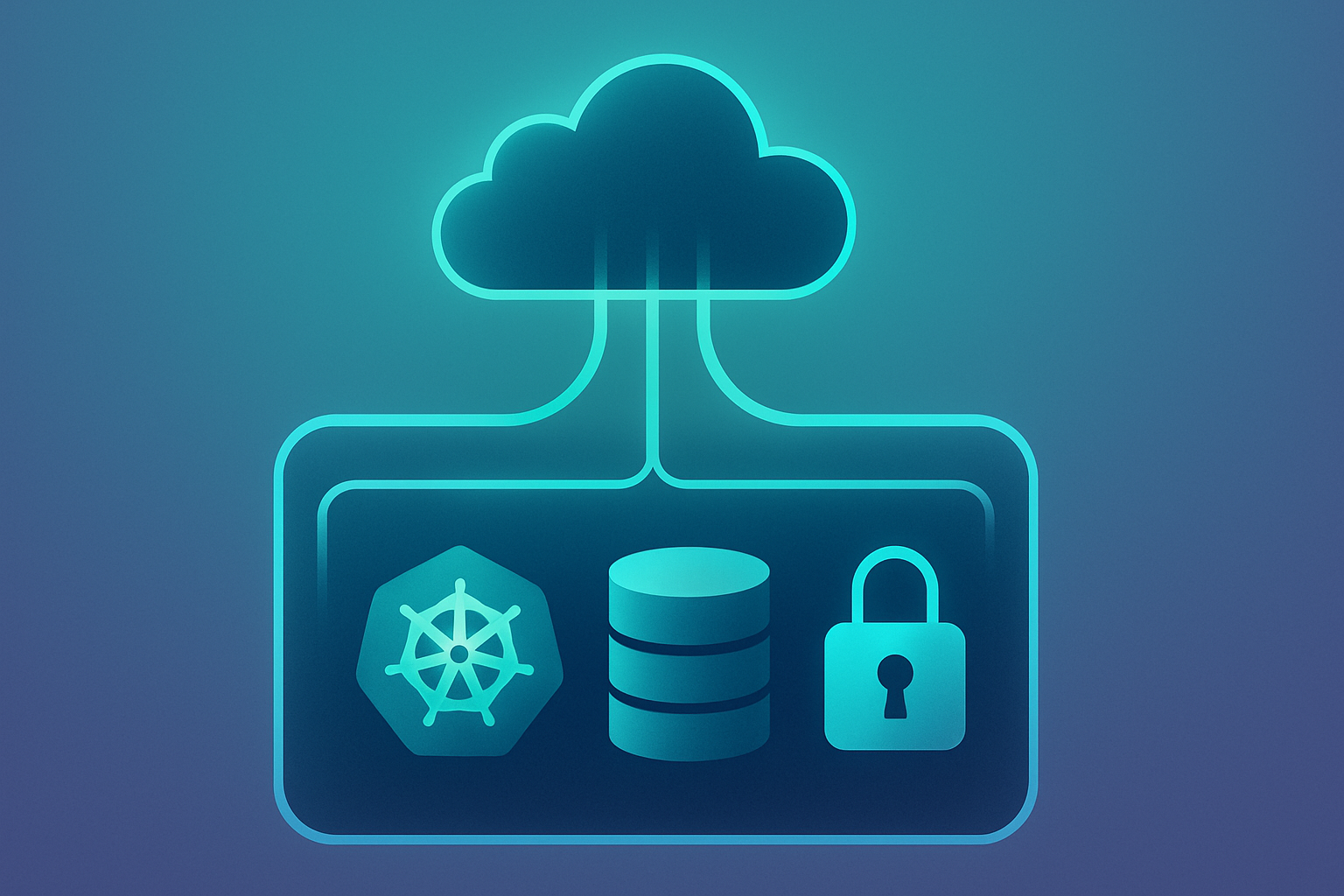
With Convox Rack, the deployment model works like this: Convox provisions a Kubernetes cluster, load balancers, container registry, and supporting infrastructure directly in your AWS, GCP, or Azure account. Your applications run on instances you own, in a VPC you control, using encryption keys from your KMS.
The platform operator (Convox) never sees your data. Traffic flows from your users to your load balancers to your instances. Logs go to your CloudWatch. Secrets are stored in your Secrets Manager. The platform provides orchestration and developer tooling, but your cloud account is the system of record.
Tenant isolation: There are no other tenants. Your Convox Rack runs in a dedicated VPC in your AWS account. The Kubernetes cluster, the node groups, the security groups are all yours. You can configure network policies, implement additional isolation controls, and verify the configuration directly through your AWS console or CLI.
Data residency: You select the AWS region when you install the Rack. Data stays in that region because you control the infrastructure. No platform operator can move your data for operational convenience because the platform operator does not have access to your AWS account. You can prove data residency to auditors by showing your VPC configuration and S3 bucket regions.
Encryption keys: Your data is encrypted with keys from your AWS KMS. You can use customer-managed keys (CMK) for EBS volumes, RDS instances, and S3 buckets. The key lifecycle is yours to manage. You can rotate keys, define key policies, and audit key usage through CloudTrail.
Audit trails: Every API call to your AWS account is logged in CloudTrail. Every Kubernetes API call can be logged through EKS audit logging. You have complete visibility into infrastructure changes, data access patterns, and administrative actions. Your SIEM can ingest these logs directly from your account.
Healthcare organizations face a specific compliance requirement: the Business Associate Agreement. Under HIPAA, any organization that handles Protected Health Information (PHI) on your behalf must sign a BAA. This creates a chain of accountability for data protection.
When you use a managed platform that hosts your infrastructure, that platform becomes a business associate. They handle your PHI by operating the systems where it resides. You need a BAA with them. Some platforms offer this, but the BAA scope can be limited, and you inherit their compliance posture rather than controlling your own.
With the BYOC model, the dynamic changes. Convox orchestrates deployments but does not host your infrastructure or access your data. Your PHI resides in your AWS account on HIPAA-eligible AWS services. You sign the BAA with AWS, not with Convox, because AWS is the entity hosting your data.
This simplifies your compliance chain. AWS has a mature HIPAA compliance program with clear documentation. You configure your Rack to use HIPAA-eligible services (EKS, RDS, S3, and others are covered), implement the required access controls, and your infrastructure meets the technical safeguards requirements.
A typical HIPAA-ready Convox deployment uses encrypted RDS for your database and encrypted EBS volumes for your Kubernetes nodes:
services:
  api:
    build: .
    port: 3000
    health: /health
    scale:
      count: 2-10
      memory: 1024
    resources:
      - database

resources:
  database:
    type: postgres
    options:
      storage: 100
      encrypted: true
The encrypted: true option ensures your RDS instance uses AWS KMS encryption. Combined with EBS volume encryption at the rack level, your data at rest is protected with keys you control.
Some workloads require deployment in AWS GovCloud, the isolated AWS partition designed for federal agencies and contractors. GovCloud provides the compliance controls required for FedRAMP, ITAR, and other federal security frameworks.
Convox Rack supports GovCloud deployment. You install the Rack into your GovCloud account the same way you would install into a commercial AWS account. The platform handles the differences in service endpoints and region configuration. Your applications deploy through the standard Convox workflow.
This is particularly valuable for healthcare organizations handling both HIPAA and government data, or for defense contractors who need to isolate workloads subject to ITAR. The same developer experience works across commercial and government partitions.
The following table summarizes how the two architectural models compare across key compliance dimensions:
| Compliance Dimension | Shared Platform (Heroku) | BYOC (Convox Rack) |
|---|---|---|
| Infrastructure Ownership | Platform provider owns and operates | Your AWS account, your control |
| Tenant Isolation | Shared infrastructure with logical isolation | Dedicated VPC, no other tenants |
| Data Residency | Region selection, provider-controlled | You control region, verifiable via AWS |
| Encryption Keys | Platform-managed keys | Your AWS KMS, customer-managed keys |
| Audit Logging | Application logs plus limited platform events | Full CloudTrail, EKS audit logs, SIEM integration |
| HIPAA BAA | BAA with platform provider required | BAA with AWS only, PHI stays in your account |
| GovCloud Support | Not available | Full support for GovCloud regions |
| Security Group Control | Limited network configuration | Full VPC and security group management |
| Audit Outcome | Finding: insufficient control demonstration | Controls verifiable through AWS native tools |
The compliance conversation often gets framed as a trade-off: you can have developer productivity or you can have security controls. This framing is false. The question is not whether you need controls, but whether those controls require you to operate raw Kubernetes.
Convox preserves the deployment workflow that made platforms like Heroku popular. Your developers write code, push to git, and see their changes running in production. The difference is that production runs in your AWS account with your security controls.
Here is what a typical deployment looks like:
$ convox deploy
Packaging source... OK
Uploading source... OK
Building... OK
Promoting RABCDEFGHIJ...
2024-01-15T10:30:00Z system/k8s/api Scaled up replica set api-65f45567d to 2
2024-01-15T10:30:05Z system/k8s/api-65f45567d-xyz Created container main
2024-01-15T10:30:06Z system/k8s/api-65f45567d-xyz Started container main
OK
Behind that simple command, Convox handles container building, image storage in your ECR, rolling deployments with health checks, and automatic rollback on failure. Your developers do not need to write Kubernetes manifests or manage Helm charts. They work with a straightforward convox.yml that defines services, resources, and scaling:
environment:
  - DATABASE_URL
  - REDIS_URL
  - ENCRYPTION_KEY

services:
  web:
    build: .
    port: 3000
    health: /health
    scale:
      count: 2-10
      cpu: 256
      memory: 512
    resources:
      - database
      - cache

  worker:
    build: ./worker
    command: bundle exec sidekiq
    scale:
      count: 1-5
      memory: 1024
    resources:
      - database
      - cache

resources:
  database:
    type: postgres
    options:
      storage: 100
  cache:
    type: redis
Environment variables are managed through the CLI or Console. Secrets stay in your AWS Secrets Manager. Logs stream to CloudWatch where your security team can access them. The platform abstracts the complexity while your infrastructure remains auditable.
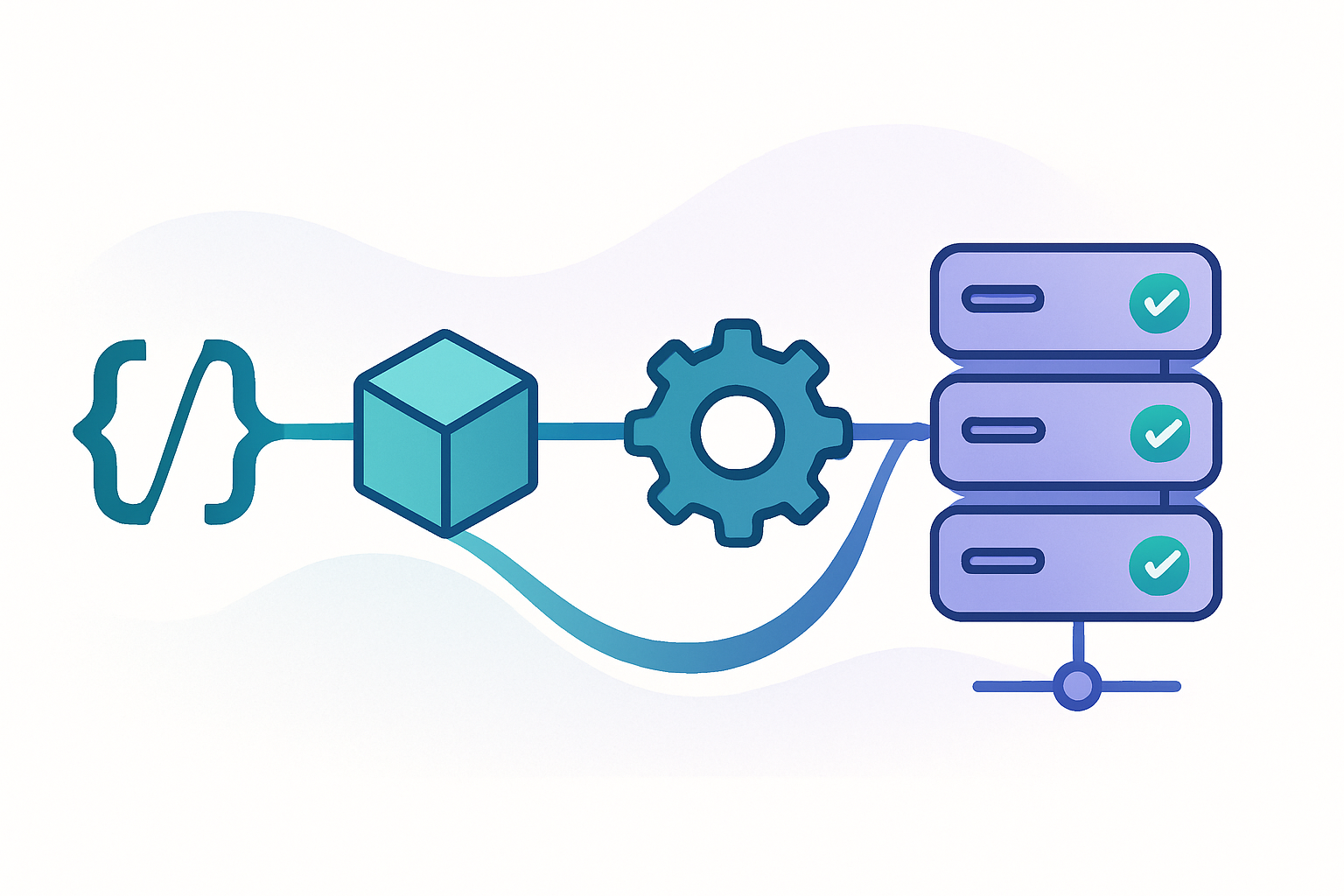
Moving from a shared platform to BYOC is a migration, and migrations require planning. The good news is that Convox is designed to make this transition smooth. Applications that follow twelve-factor principles typically migrate without code changes.
Step 1: Install a Rack in your AWS account. This takes about 30 minutes and creates the underlying Kubernetes cluster, networking, and IAM roles. You can do this through the Convox Console or CLI.
Step 2: Create your application and configure environment variables. If you are coming from Heroku, your environment variables transfer directly. Convox uses the same model of configuration through environment.
Step 3: Deploy and verify. Run convox deploy and watch your application build and start. The first deployment will take longer as it builds images. Subsequent deployments are incremental.
Step 4: Configure production resources. Create RDS databases, Redis instances, and any other managed services your application needs. These are defined in your convox.yml and provisioned automatically.
Step 5: Update DNS and go live. Point your domain to your new load balancer. Convox handles SSL certificates through Let's Encrypt or you can bring your own.
When your auditor returns, you will have answers instead of findings. Data residency? Here are the VPC configurations showing everything stays in us-east-1. Encryption keys? These are our KMS key policies with rotation enabled. Audit logs? CloudTrail is integrated with our SIEM, and here is the query showing administrative access over the past quarter.
The compliance conversation shifts from explaining platform limitations to demonstrating your controls. Your auditor can verify configurations directly in AWS. Your security team can implement additional controls without platform restrictions. Your compliance officer can sign off on the architecture because they can see and verify every component.
This is not about finding a platform that checks boxes. It is about having infrastructure that gives you the control your compliance requirements demand while preserving the developer experience that keeps your team productive.
If your auditor has flagged your current infrastructure, you do not have to choose between compliance and productivity. Convox Rack deploys into your AWS account, giving you the isolation, data residency, and audit controls that regulated workloads require.
The Getting Started Guide walks through installation and your first deployment. You can have a Rack running in your AWS account within an hour.
Create a free account and see how BYOC changes your compliance posture. For organizations with specific compliance requirements like HIPAA or GovCloud deployments, reach out to our team to discuss your architecture.


